Rating


A graded answer - how fresh the produce was, how ripe a fruit is, a one-to-five score. The arrows walk a row of points and the chosen one is collected as an int.
$p->rating('freshness', 'Freshness')
  ->min(1)      // Lowest point of the scale.
  ->max(5)      // Highest point of the scale.
  ->default(4)  // Point the scale starts on.
  ->captions([  // What a point means; points may be left uncaptioned.
    1 => 'Poor',
    3 => 'Fair',
    5 => 'Excellent',
  ]);
Runnable script: playground/02-widgets-rating.php.
Options
| Name | Description | Required | Default |
|---|---|---|---|
min() | Lowest point of the scale. | No | 1 |
max() | Highest point of the scale; must be above min(). | No | 5 |
captions() | What a point means, keyed by the point; keys must be within the scale. | No | No captions |
default() | Point the scale starts on. | No | Lowest point |
A rating is always on a point of its scale, so it always returns a value. Captions are decoration, not a value set: captioning only the two ends labels the scale without claiming a reading for every step in between, and a point with no caption still answers with its number.
The points are the steps, so a rating takes no step() - declaring one is a build-time error, as is a scale whose ends leave fewer than two points.
Rating or number?
Both collect an int. Reach for number() when the answer is a figure the user knows and types - a basket weight, a crate count - and for rating() when the answer is one of a handful of graded points that are worth showing all at once.
Keyboard
| Key | Action |
|---|---|
| ← / → / ↑ / ↓ | Move one point along the scale |
| a digit | Jump to that point, when the scale reaches it |
| Enter | Accept the chosen point |
| Esc | Cancel |
The scale stops at either end rather than wrapping round - a grade has a floor and a ceiling.
Headless behavior
The point is supplied directly as an integer when the form runs headlessly, and the scale is enforced there too: a value off the scale is rejected, and so is a fraction between two points, since a scale has no point between its points. It surfaces in the JSON schema as an integer with minimum and maximum.
Display modes
In all four display modes - Unicode or ASCII, color on or off:
| ANSI | No ANSI | |
| Unicode | 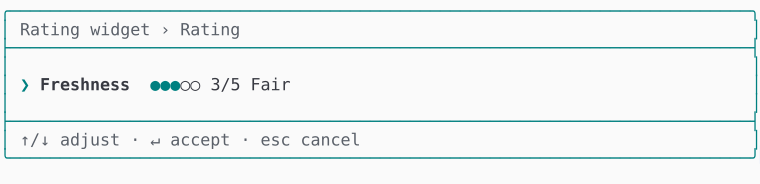 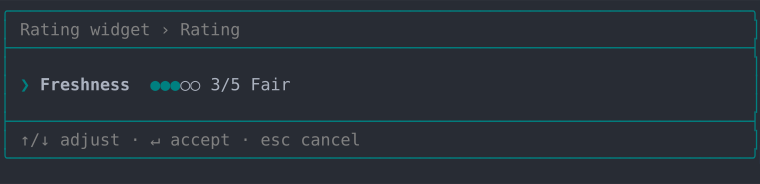 | 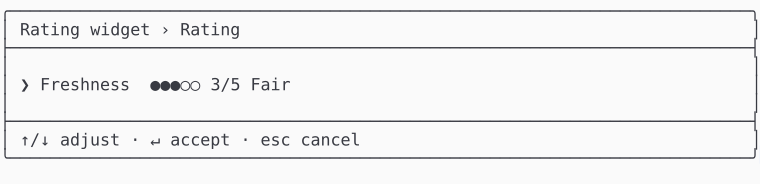 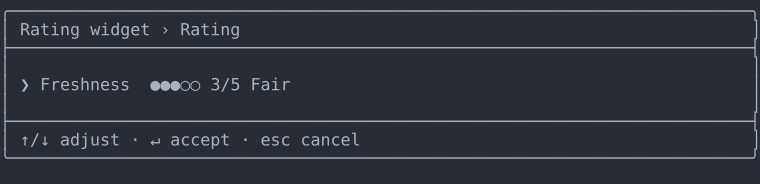 |
| ASCII | 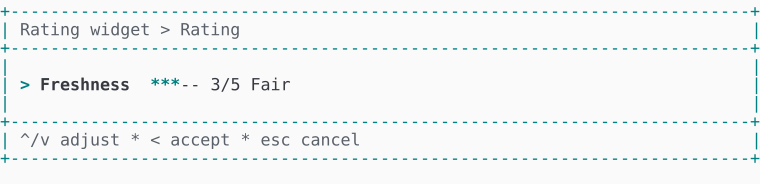 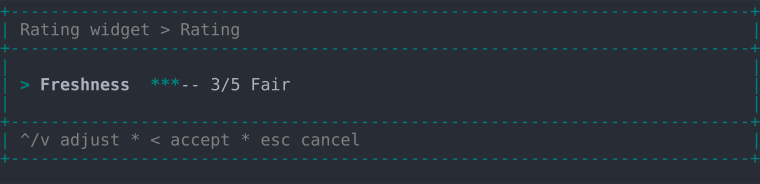 | 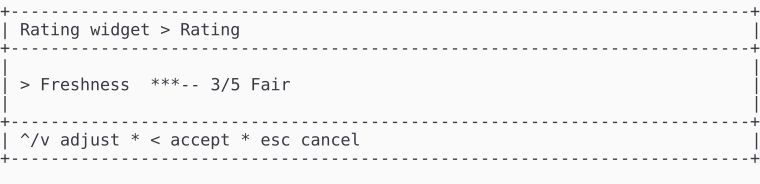 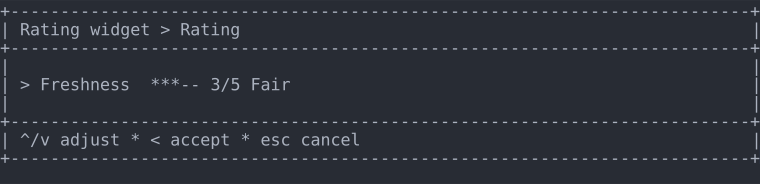 |